

Call us now
08045478159
Call us now
08045478159

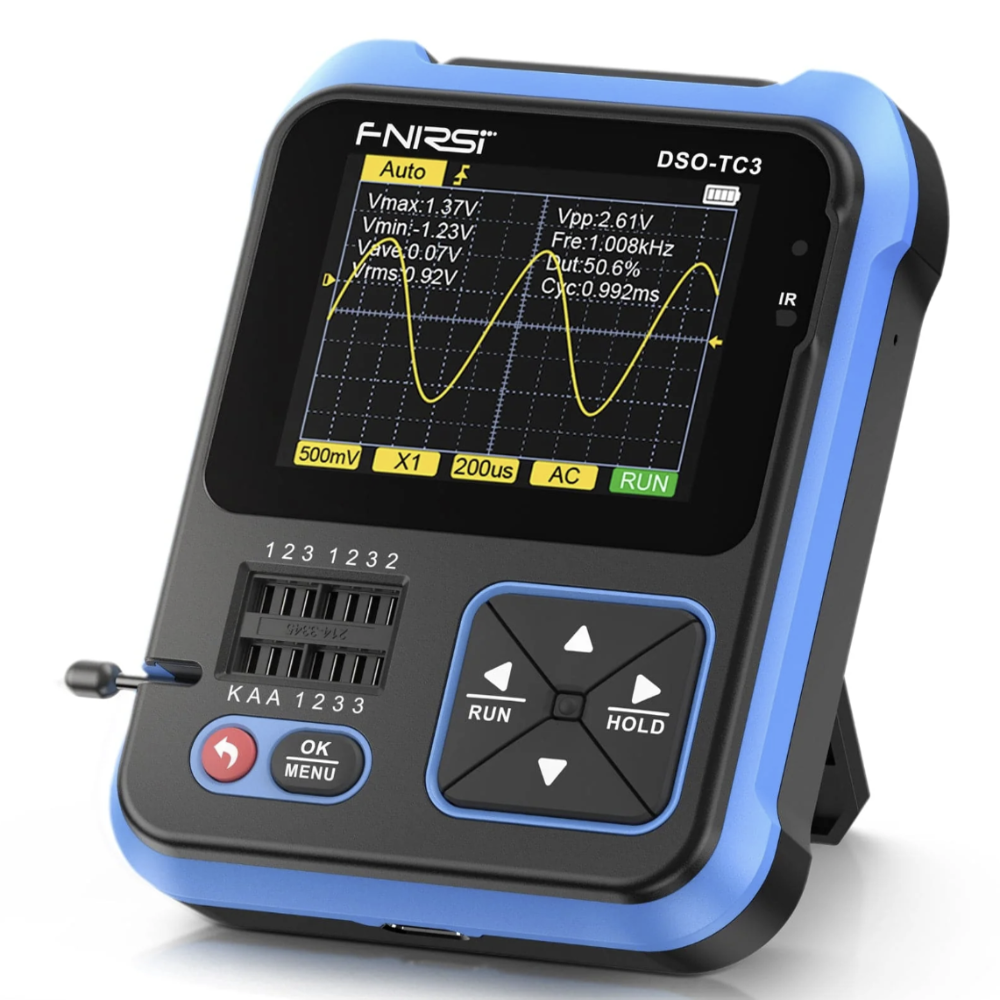
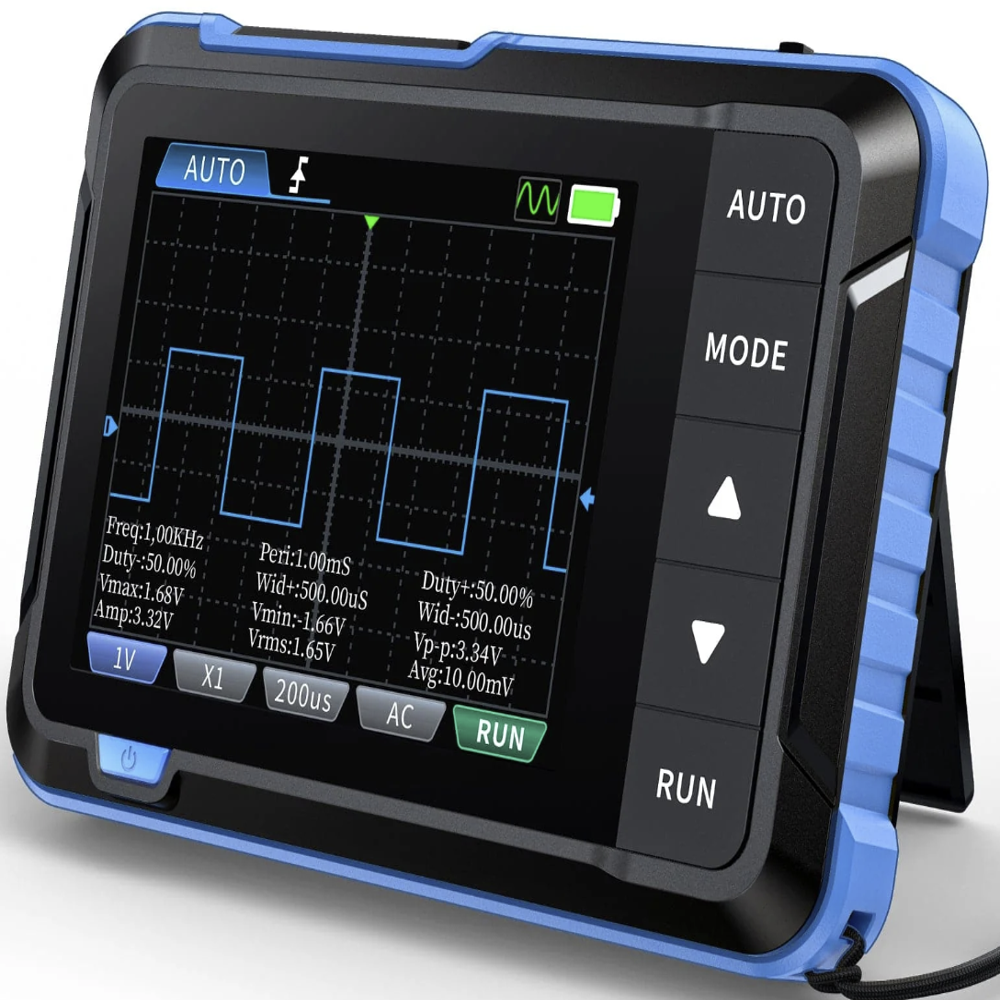
FNIRSI DSO-TC3 ingeniously integrates digital oscilloscope, electronic component tester, function signal generator and other functions into one. Equipped with 2.4 Inch TFT display. Built-in rechargeable lithium battery.
DSO-TC3 handheld oscilloscope, 10 MS/s sampling rate, 500 kHz bandwidth. It can be used freely for both periodic analog signals and aperiodic digital signals. Equipped with one-key AUTO, the measured waveform can be displayed without cumbersome adjustment.
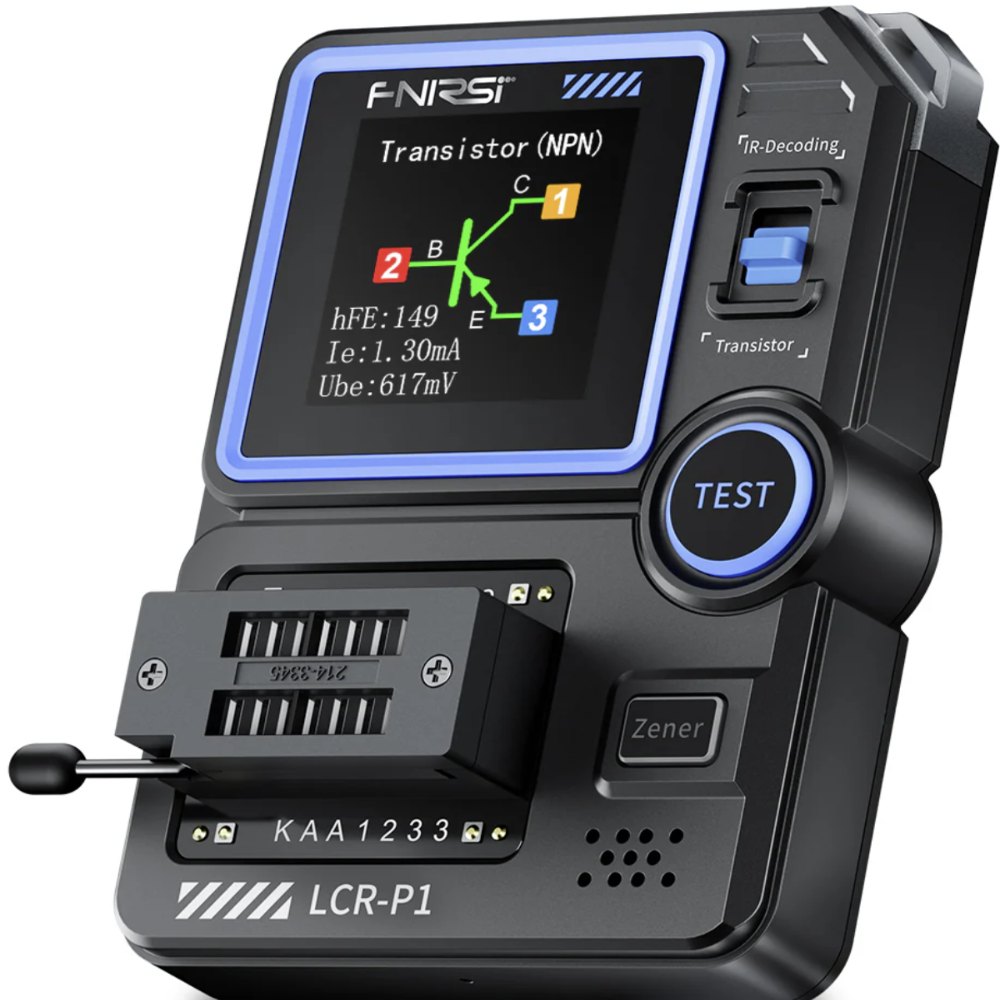
DSO-TC3 transistor tester can identify and measure various transistors, including NPN and PNP transistors, N-channel and P-channel field effect transistors etc. Automatic detection of pin definition. Automatically analyze NEC protocol infrared code.
DSO-TC3 transistor tester is suitable for pairing of transistors, identification of mixed surface mount, and preliminary screening of small batch components. "Mos Test" mode can test various types of transistors and test capacitance, resistance etc.
Other functional modes: Including circuit continuity test, 0-40 V input voltage measurement, PWM output, 0-32 V regulated diode measurement, DS18B20 temperature sensor measurement, DHT11 temperature and humidity sensor measurement.
Six waveforms: sine, square, pulse stroke, triangle, ramp and DC.

Price:
Price 5000.0 INR / Piece
Minimum Order Quantity : 1 Piece
Display Type : 2.5inch color LCD display
Power Supply : DC 9V (6F22 battery or 9V adapter)
Resolution : Up to 0.1/0.01mH/1pF (component dependent)
Features : Auto component detection, detailed parameter display, battery operation, supports multiple component types
Price 11000.0 INR / Number
Minimum Order Quantity : 1 Number
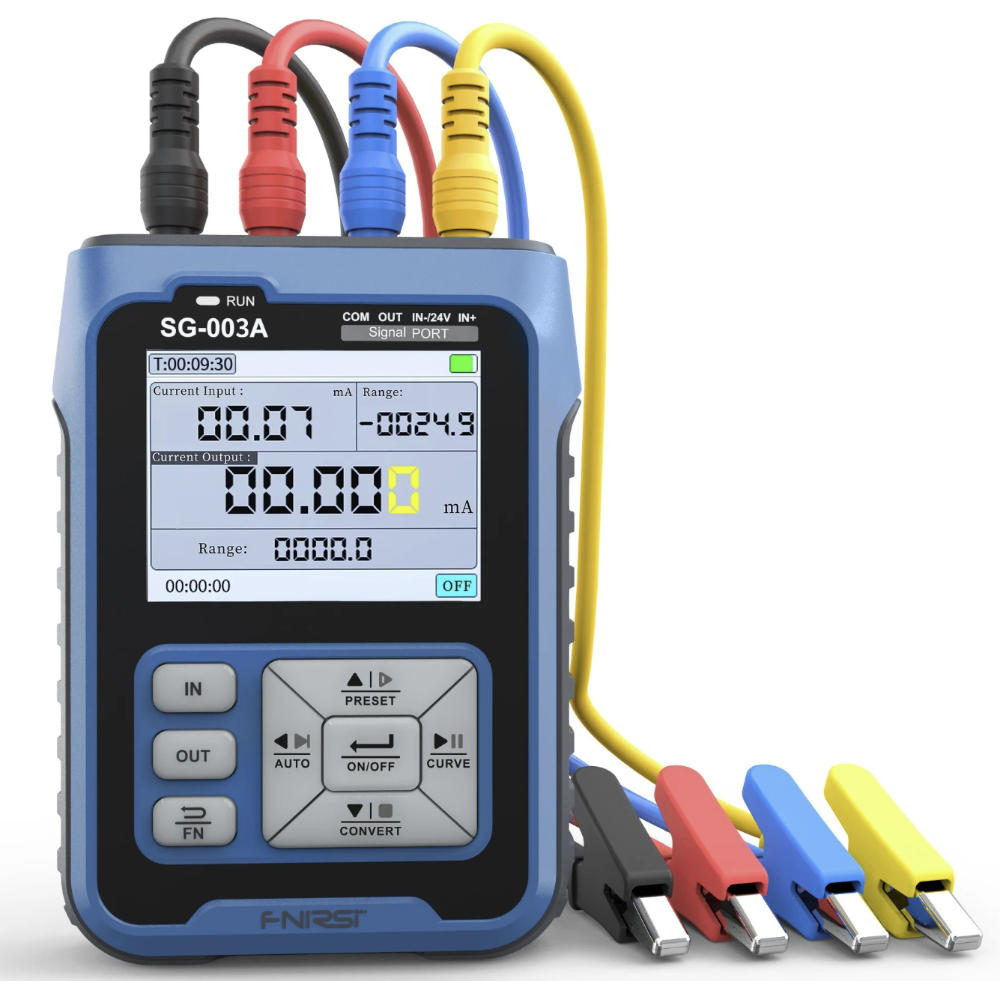
Display Type : Digital LED display
Power Supply : AC 220V 10%, 50Hz
Resolution : 0.01 Hz
Features : Multiple waveform outputs, frequency modulation, phase adjustment, digital settings
Price 8000.0 INR / Piece
Minimum Order Quantity : 1 Piece
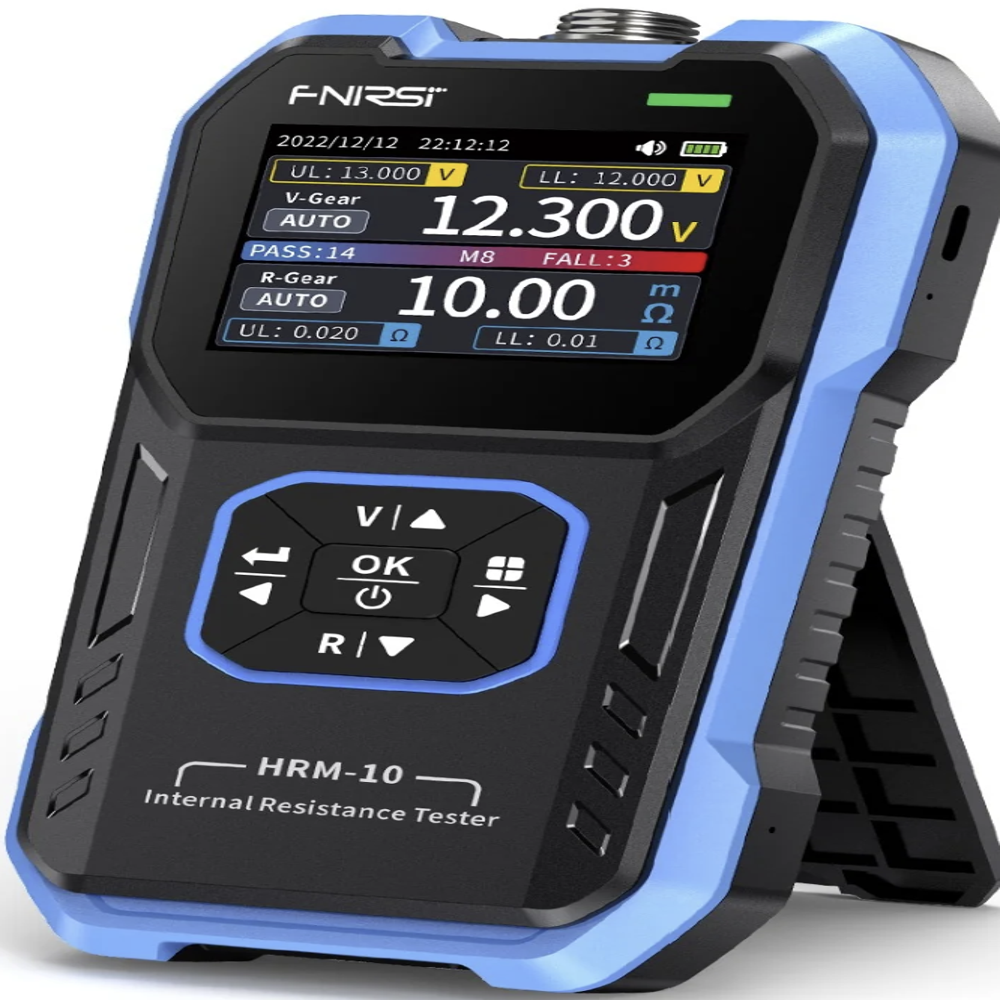
Display Type : LCD digital display
Power Supply : DC 6V (AA batteries x 4 pcs)
Resolution : Voltage: 0.001V; Resistance: 0.001m
Features : Portable, fast test, clear display, auto/manual selection
Price 6400.0 INR / Number
Minimum Order Quantity : 1 Number
Display Type : 2.4 inch TFT LCD
Power Supply : DC 9V Adapter
Resolution : 8bit AD conversion
Features : Storage, waveform freeze, measurement cursor, digital readout


 Send Inquiry


 Send Inquiry
 Send Inquiry
 Send SMS